 Jason Peterson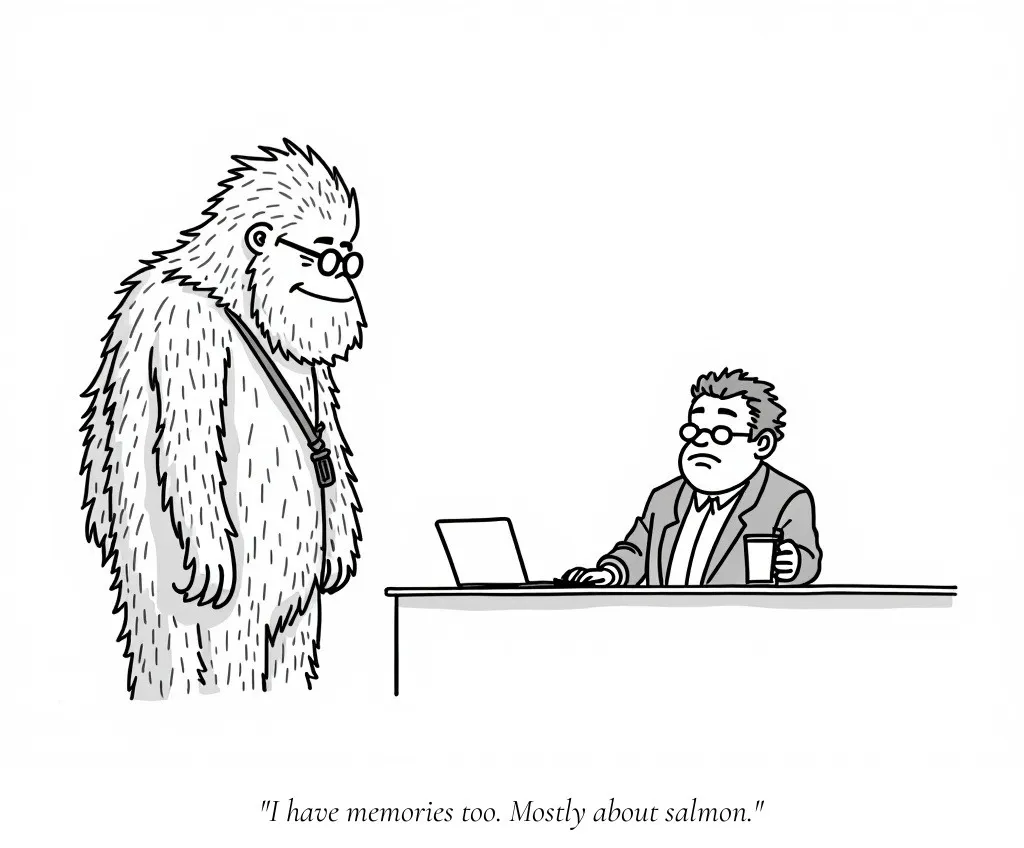
You start a new Claude Code session. It has no idea what you talked about yesterday. The project conventions you explained, the debugging approach that worked, the voice you spent twenty minutes calibrating. Gone.
There are two systems that fix this. They do different jobs.
CLAUDE.md: Instructions You Write
CLAUDE.md is a file you create and maintain. It tells Claude how to behave in your project. There are two scopes.
Global lives at ~/.claude/CLAUDE.md and applies to every project on your machine. Mine is two lines:
- STOP overusing dashes and em dashes.
- American English (color, artifact, center, etc.)
That’s it. Two preferences I don’t want to repeat in every project.
Project lives at .claude/CLAUDE.md in your repo root. It gets checked into git, so anyone who clones your repo gets the same instructions. Mine is about 100 lines. It covers the tech stack, hosting setup, font choices, color scheme, content conventions, and a “What NOT to do” section. Anything a new session needs to know about this specific codebase.
You write CLAUDE.md. You maintain it. It’s shared through version control.
Memory: Notes Claude Writes About You
This is the interesting part.
Claude Code has an auto-memory system. As it works with you, it saves notes to a local directory on your machine:
~/.claude/projects/<project>/memory/Inside that directory there’s a MEMORY.md file. The first 200 lines load automatically at the start of every session. Claude also creates topic files for detailed notes, like cartoons.md or debugging.md, and reads those on demand when they’re relevant.
You don’t manage this. Claude decides what’s worth remembering. After a few sessions it starts to accumulate useful stuff. Here’s what mine looks like for this blog:
## Jason's Writing Voice
- Short declarative sentences. Conversational.
- Limit em dashes. Use periods and shorter sentences.
- Reference posts for voice calibration:
  i-asked-my-computer-where-the-space-station-was.md

## Image Generation
- See cartoons.md for New Yorker-style cartoon conventions
I have strong opinions about how my posts should sound. I didn’t write any of this. Claude picked it up by reading my existing posts and noticing the patterns across a few sessions. It also built a whole reference file for how I generate cartoons.
You can also tell it directly. Say “remember that I prefer bun over npm” and it saves that to memory. Next session, it knows.
Memory is on by default. Run /memory in any session to see what’s loaded and toggle it.
The Trick: Memory Files Are Portable
Here’s the part that isn’t obvious. Memory files are just markdown sitting in a directory on your machine. Nothing stops you from copying them between projects.
I built up a cartoons.md memory file in this blog project. It documents the art style, the prompt conventions, the font for captioning, and the character design for the recurring Bigfoot in my cartoons. When I started a side project that also needed generated illustrations, I copied that file over:
cp ~/.claude/projects/blog/memory/cartoons.md \
   ~/.claude/projects/side-project/memory/
Next session in the side project, Claude loaded it. Instant context. No re-explaining.
The docs describe memory as “machine-local,” meaning there’s no automatic sync between machines or cloud environments. But that’s about sync, not about portability. The files are plain markdown on disk. You can copy them, edit them, or even version-control them if you want.
Quick Rules
- Team needs it? Put it in CLAUDE.md. It’s in git.
- Only your machine needs it? Let memory handle it.
- Another project needs context you’ve built up? Copy the memory file over.
- Want to see what Claude remembers? Run
/memory.
Both systems exist so you stop repeating yourself. Set them up once and every session starts where the last one left off.